Honda warning light TPMS means low tyre pressure or a monitoring fault, depending on the display. Many Hondas need calibration after pressure changes. Amber warnings usually need checks soon. Red oil pressure, overheating and brake faults mean stop somewhere safe. VSA is stability control, while Maintenance Minder tracks scheduled service.
Also searched honda dashboard symbols and meanings, honda warning lights, honda TPMS light, honda tyre pressure light reset, honda VSA light, honda Maintenance Minder
Find your Honda symbol
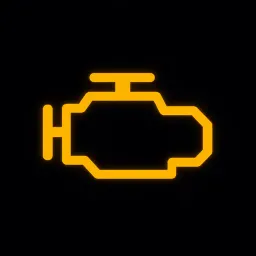 Malfunction indicator lamp▲ Check soon
- Flashing engine warning light■ Stop now
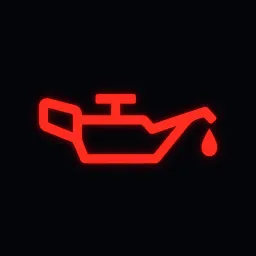 Low oil pressure indicator■ Stop now
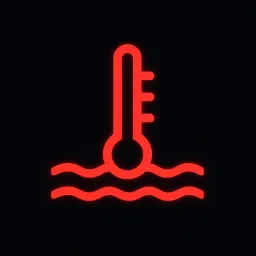 High temperature indicator■ Stop now
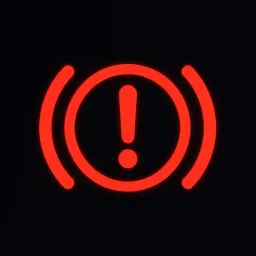 Brake system indicator, red■ Stop now
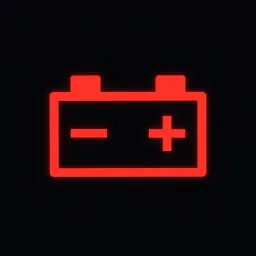 Charging system indicator▲ Check soon
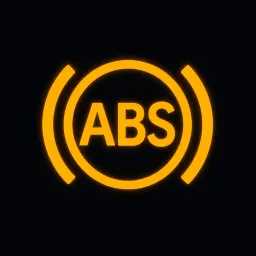 Anti-lock braking system warning▲ Check soon
 Supplemental Restraint System indicator▲ Check soon
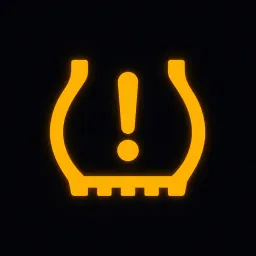 Low Tire Pressure / TPMS indicator▲ Check soon
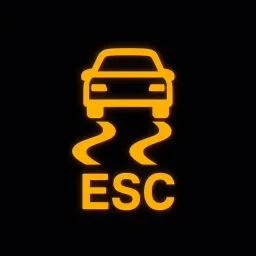 Vehicle Stability Assist / VSA indicator▲ Check soon
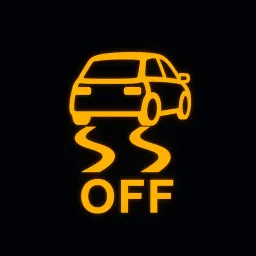 VSA OFF indicator● Info
 Maintenance Minder indicator▲ Check soon
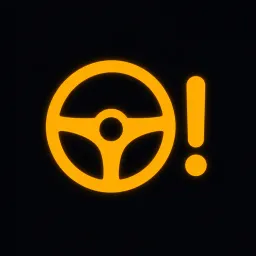 Electric Power Steering / EPS indicator▲ Check soon
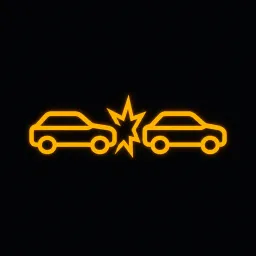 Collision Mitigation Braking System indicator▲ Check soon
 Auto Idle Stop indicator● Info
 High-beam indicator● Info
Find out what's wrong with your car
Pick the light or enter the code, then add your Honda model and what you've noticed. You'll get a safety verdict and the three most likely causes, free.
Make selectedHonda
Free result
- Can you keep driving
- Top 3 likely causes for your car
- DIY or mechanic for each
Fix Plan
- Every cause, ranked for your car
- What to test first
- Parts list and step-by-step DIY guide
- Printable PDF
Start free. You can choose the Fix Plan after you see your result.
Red Honda warning lights
Low oil pressure indicator ■ Stop now
Oil pressure may be too low to protect the engine. This is different from an oil-change reminder.
What to do: Stop safely and switch off the engine. Do not drive or restart until the cause is checked.
High temperature indicator ■ Stop now
The engine coolant is too hot. Some models show a message or temperature gauge warning instead.
What to do: Stop safely and switch off the engine. Let it cool. Never open a hot coolant cap.
Brake system indicator, red ■ Stop now
If your parking brake is released, this can mean low brake fluid or a brake system fault.
What to do: Stop safely. Do not drive until it's checked. Have a mechanic do brake hydraulic repairs.
Charging system indicator ▲ Check soon
The 12-volt charging system is not supplying power as it should while your engine runs.
What to do: You can only drive a short way. Get help now. Stop safely if it overheats, steering gets heavy or power fades.
Supplemental Restraint System indicator ▲ Check soon
An airbag or seat belt pretensioner fault may stop them protecting you properly in a crash.
What to do: Book a professional diagnosis soon. Have a mechanic do this repair. Do not probe airbag wiring or reset without checking why.
Yellow / amber Honda warning lights
Malfunction indicator lamp ▲ Check soon
A steady engine light means the engine or emissions controls have found a fault.
What to do: Read the stored codes soon. Avoid heavy acceleration. Stop if the engine runs badly or the light flashes.
Flashing engine warning light ■ Stop now
A flashing engine light can mean a misfire that may damage the catalytic converter.
What to do: Ease off the accelerator. Stop safely, switch off the engine and call for help.
Anti-lock braking system warning ▲ Check soon
ABS has found a fault. Normal braking usually still works, but anti-lock braking may not work.
What to do: Drive carefully to a repair shop if the pedal feels normal. Stop if the red brake light is also on.
Low Tire Pressure / TPMS indicator ▲ Check soon
Pressure may be low, calibration may not be finished or TPMS may have a fault. Some older models have a separate TPMS fault light.
What to do: Check all cold tire pressures against the door label. Calibrate indirect systems after correcting pressures. A fault warning needs diagnosis.
Vehicle Stability Assist / VSA indicator ▲ Check soon
Blinking normally means VSA is working. A steady indicator can mean VSA or a related system has a fault.
What to do: Slow down during wheel slip. Have warnings that stay on diagnosed with equipment that reads Honda chassis systems.
VSA OFF indicator ● Info
VSA has been partly switched off where fitted. How much assistance you lose varies.
What to do: Turn VSA back on for normal road driving. Read the message if you cannot change the setting.
Maintenance Minder indicator ▲ Check soon
The wrench and maintenance codes show scheduled service. Oil life is an estimate, rather than an oil-level reading.
What to do: Read all displayed service codes and complete the listed work before resetting the items that apply.
Electric Power Steering / EPS indicator ▲ Check soon
Electric steering assistance has found a fault. Your steering may get heavier.
What to do: Pull over safely if steering is difficult. Book prompt checks and get it towed if you cannot steer safely.
Collision Mitigation Braking System indicator ▲ Check soon
CMBS may be off, temporarily unavailable or faulty. Something blocking a sensor can also stop it working.
What to do: Read the message. Check visible camera or radar areas as your handbook allows. Use the brakes yourself.
Green, blue and white indicator lights
Auto Idle Stop indicator ● Info
On models with this feature, the engine has stopped automatically. An unavailable status can be normal.
What to do: Keep control of your car and follow restart prompts. Have a service message or repeated restart failure checked.
High-beam indicator ● Info
Your main-beam headlights are on.
What to do: Dip your headlights for traffic coming towards you and when following another car.
Symbols unique to Honda
TPMS calibration
Many Hondas use indirect TPMS that compares how wheels behave instead of measuring pressure with valve sensors. Other Hondas use direct sensors.
What to do: Measure pressures yourself. On indirect systems, calibrate after adjusting pressure, rotating tyres or replacing tyres, as your manual says.

Maintenance Minder
The wrench, oil-life percentage and letter/number codes show scheduled maintenance. Different codes mean different work is needed.
What to do: Record every code and complete the required items. Reset only work that's done. Check the oil level separately.
VSA / Vehicle Stability Assist
Honda calls stability control VSA. It uses braking and engine control to help manage skids and wheel slip.
What to do: A blinking indicator usually means it is working. Read chassis and engine codes if the indicator stays on.
Common Honda codes
- P0420
Bank 1 catalyst efficiency below threshold. Check exhaust leaks, misfires and air-fuel or oxygen-sensor data.
- P0172
Rich mixture on bank 1. This is documented on some turbo Civic, CR-V and Accord models.
- P0300
Random or multiple misfires. Software, ignition, fuel and mechanical causes need model-specific checks.
- P0301
Cylinder 1 misfire. Confirm ignition, injector and compression tests before choosing a repair.
- P0302
Cylinder 2 misfire. Test that cylinder rather than replacing every coil.
- P0303
Cylinder 3 misfire. Documented with other misfire codes in some Honda running problems.
- P0304
Cylinder 4 misfire. Check fuel delivery, ignition and engine condition on the affected model.
Honda known issues by model
An issue on this list doesn't mean your car has a recall or a fault. Use your VIN to check recalls.
Civic 1.5T 2016–2018
Honda documents oil-dilution and cold-weather running problems on some cars, with rich-mixture or misfire codes. Check software that applies and engine condition.
CR-V 1.5T 2017–2018
Some cars have documented cold-weather running problems, oil-dilution and misfire concerns. Do not assume every warning is fixed by an update.
Accord 2.0T 2018–2022
Honda documents cold-start rich-mixture and misfire problems addressed by a software check on affected cars. Other causes still need diagnosis.
How to reset Honda lights
Fix warning-light faults before clearing codes. Service reminders have different reset steps.
Calibrate indirect TPMS after correcting tire pressures
- Set every cold tire to the door-label pressure and repair any leak.
- With your car parked, select TPMS Calibration in the settings menu, or use the calibration button if fitted.
- Start calibration and complete the driving steps in your handbook. Direct-sensor models may not have this calibration function.
- Steps vary by model and year. Check your owner's manual.
Reset completed Maintenance Minder items
- Record all maintenance codes and complete the required service.
- Open Maintenance Information or Engine Oil Life using the display controls.
- Select and reset only the completed items. Check the oil-life percentage and remaining service reminders afterward.
- Steps vary by model and year. Check your owner's manual.
Read your fault code
The light is the warning. The code tells you why. A code helps narrow down the checks. It doesn't prove which part failed.
Look up a code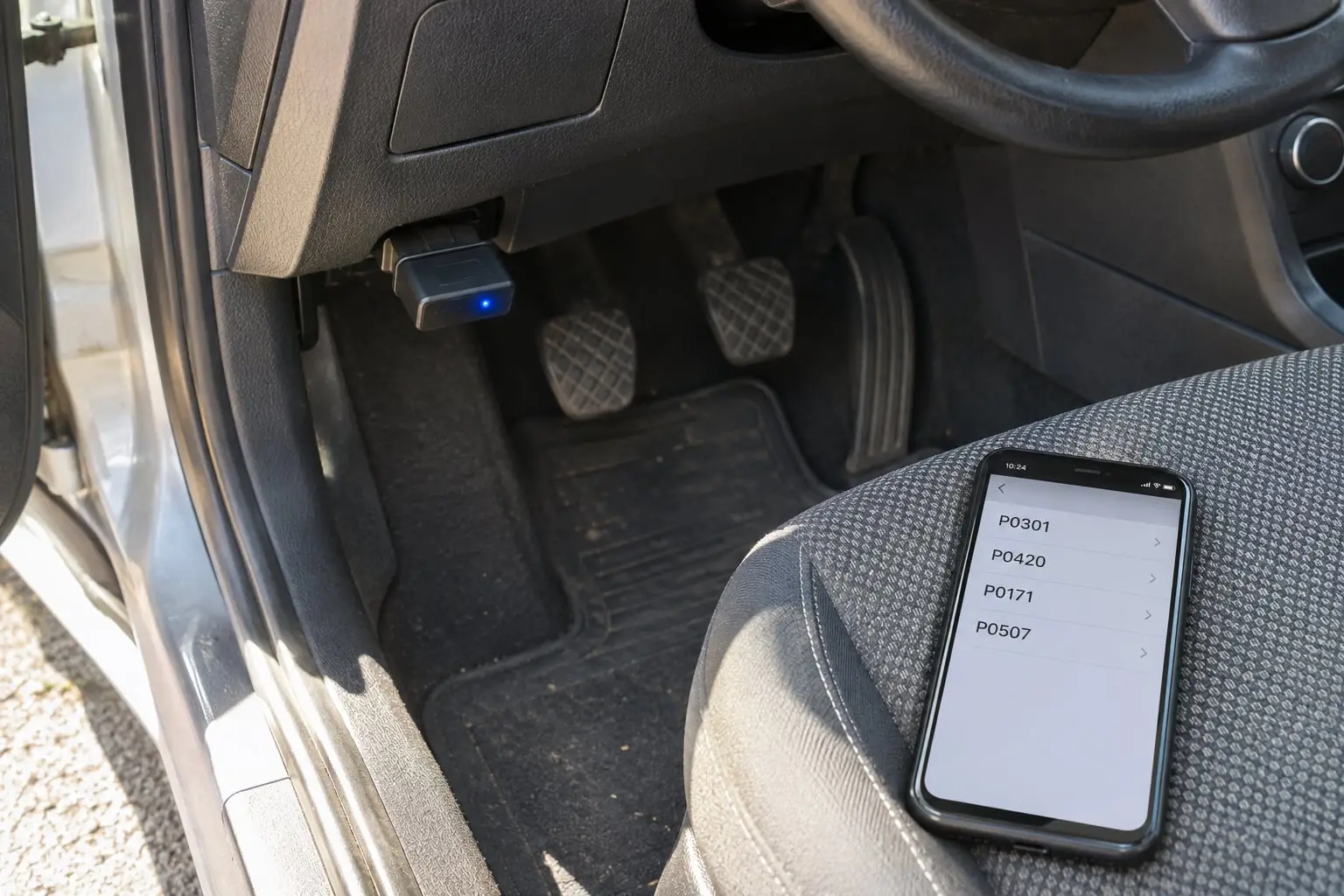
No scanner?
- Get a free scan at a parts store. Many free scans read engine codes only.
- Compare Bluetooth scanners. Check which systems each one reads before you buy.
- Describe your symptoms if you can't read the code yet.
Best scanner for HondaBlueDriver Pro
Most drivers who want code explanations and repair reports, plus ABS and airbag code reading on supported cars.
Check support for your exact model, year and system before buying. A basic engine reader may not read Honda ABS or airbag codes.
Honda models
Civic · Accord · CR-V · HR-V · Pilot · Odyssey · Ridgeline · Fit · Jazz · Passport
Common questions
What does the TPMS warning light mean on a Honda?
The TPMS warning means tire pressure may be low or the monitoring system needs attention. Some Hondas also show it when indirect TPMS needs calibration. Measure all cold pressures first. A separate TPMS lamp or flashing warning can mean a fault.
How do I reset the tire pressure light on a Honda?
Correct all cold tire pressures, then calibrate if your Honda uses indirect TPMS. Use TPMS Calibration in the settings or your model's button steps, followed by the required drive. Direct-sensor systems use different steps. Repair leaks before resetting.
Why is my Honda TPMS light flashing?
Flashing then staying on usually means the monitoring system has a fault on models with a single combined indicator. Calibration and startup behaviour vary. Check the handbook and actual tire pressures before assuming the warning needs only a reset.
What does the Honda Maintenance Minder wrench mean?
The wrench means scheduled maintenance is due, with letter and number codes showing the required work. Oil life estimates when service is due. It does not measure oil level. Complete the listed items before resetting them, and check the dipstick separately.
Why is my Honda VSA light on?
A steady VSA light can mean stability assistance isn't working. A blinking indicator during wheel slip normally means it is working. VSA OFF shows a different state. Read chassis and engine codes if the warning stays on after the startup check.
Can I drive with Honda warning lights on?
Stop for red oil pressure, overheating, red brake faults or a flashing engine light. Check tire pressures before continuing with a TPMS warning. This is guidance, not a professional inspection. If in doubt, stop safely and call for help.
Sources
- Honda: Official owner information
- Honda: CR-V tire pressure monitoring and calibration
- NHTSA: Honda Accord rich-mixture and misfire software information
Last updated · How we write our guides
Other makes
















This is guidance, not a professional inspection. If in doubt, stop safely and call for help.